Description
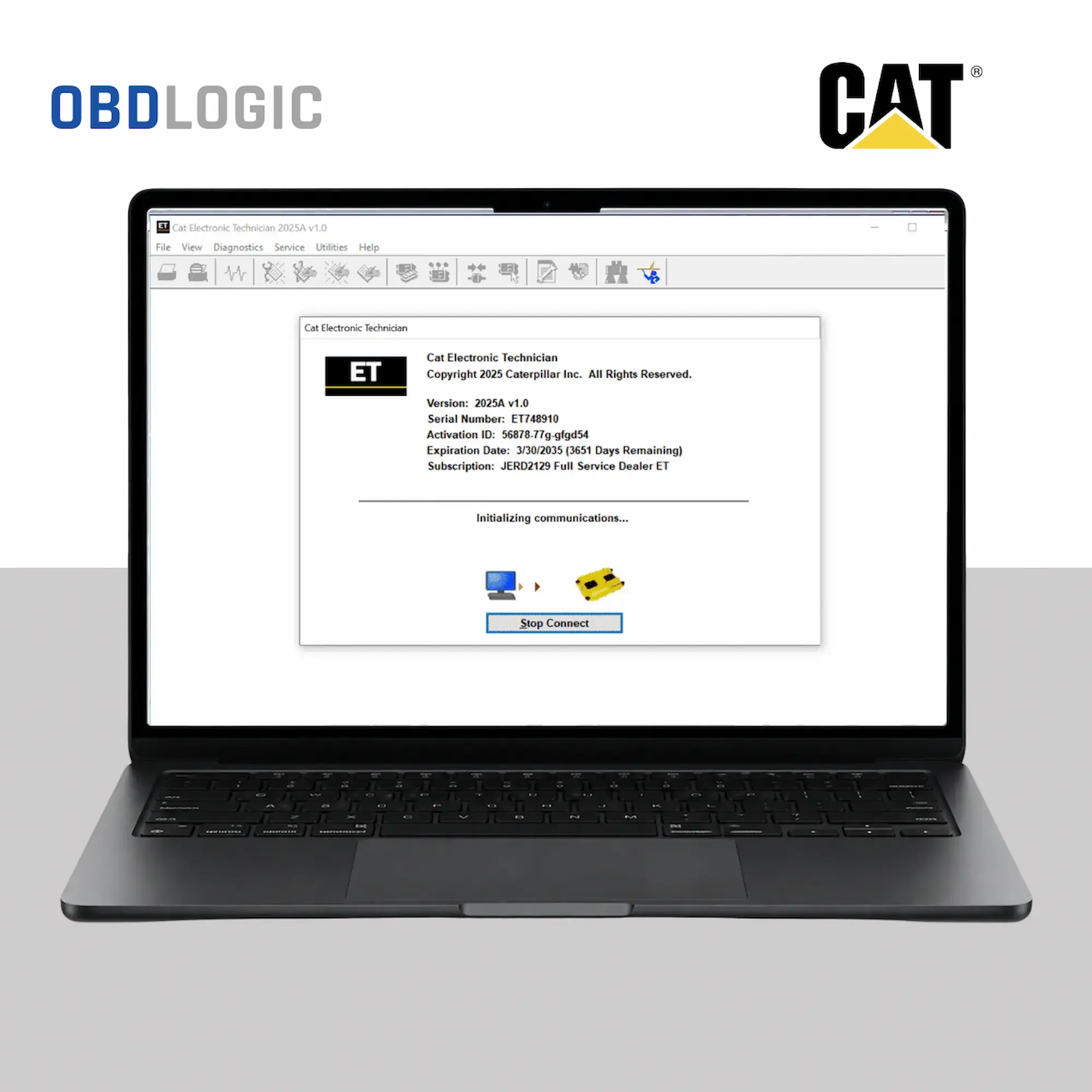
CAT ET 2025-2026 Diagnostic Software CAT Electronic Technician
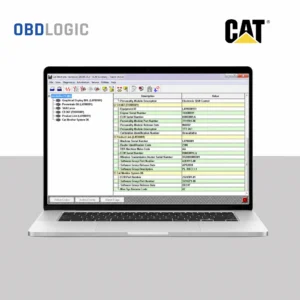
(Caterpillar Electronic Technician) provides professional diagnostic functions for compatible Caterpillar machines and engines. It helps technicians and workshops diagnose electronic systems, monitor live parameters, read fault codes and perform supported configuration tasks.
Moreover, this release focuses on modern CAT equipment and supports compatible 2025 and 2026 model-year applications. However, compatibility depends on the specific machine, engine, ECM and serial-number range.
Main Features
CAT ET 2026 gives technicians access to several useful diagnostic functions. For example, you can:
- Read and clear Diagnostic Trouble Codes (DTCs)
- Perform diagnostic tests on supported systems
- View live parameters and real-time data
- Record and review diagnostic data
- Monitor electronic control systems
- View system and component information
- Perform supported parameter configuration
- Access troubleshooting and maintenance information
In addition, the software provides a practical solution for workshops that regularly service Caterpillar equipment.
Supported CAT Equipment
CAT ET supports a wide range of compatible Caterpillar machines and engines. These include:
- CAT Construction Equipment
- CAT Mining Trucks
- CAT On-Highway Trucks
- CAT Power Generation Systems
- CAT Marine Engines
- CAT Industrial Engines
- CAT Agricultural Equipment
Furthermore, the software can support diagnostic functions across different CAT equipment categories. Nevertheless, available functions depend on the specific model, engine, ECM and machine configuration.
2025–2026 CAT Equipment Support
This CAT ET release targets compatible 2025 and 2026 Caterpillar equipment. Therefore, it can provide diagnostic and monitoring functions for supported modern CAT electronic control systems.
For example, technicians can use the software to read fault codes, monitor operating parameters and perform supported diagnostic procedures.
However, not every 2025 or 2026 CAT machine uses the same electronic systems. For this reason, we recommend checking the machine model and serial number before purchasing.
System Requirements
To run CAT ET 2026 correctly, use a compatible Windows computer with the following specifications:
- Operating System: Windows 10 or Windows 11 (64-bit)
- Processor: Intel Core i5 or equivalent
- RAM: 8 GB minimum
- Recommended RAM: 16 GB
- Storage: Approximately 20 GB of available disk space
- Diagnostic Interface: Compatible CAT diagnostic communication adapter
In addition, the computer should have enough free storage and stable USB connectivity for the diagnostic interface.
Diagnostic Interface
CAT ET requires a compatible diagnostic communication adapter to communicate with the machine or engine.
For example, users can connect the software through a compatible CAT Communication Adapter interface.
Therefore, please verify your diagnostic adapter before ordering. The software alone cannot communicate with the machine without a compatible interface.
What’s Included
Your purchase includes:
- CAT ET 2026 diagnostic software
- Digital software delivery
- Installation instructions
- Step-by-step installation guide
- Installation video guide where applicable
- One-time installation for a single PC
- Installation assistance
Installation Support
We provide installation guidance with the purchase. As a result, you can follow the included instructions to set up the software on your compatible Windows computer.
If you need additional assistance, our support team can help through email or WhatsApp.
Digital Delivery
This is a digital software product, so we do not ship a physical item.
After successful payment, you will receive the relevant download and installation instructions by email.
Before Ordering
Before purchasing CAT ET 2026, please check the following:
- Your CAT machine or engine is supported
- Your model year is compatible
- Your ECM and electronic system are supported
- Your diagnostic adapter is compatible
- Your Windows computer meets the system requirements
For 2025 and 2026 Caterpillar equipment, compatibility can vary between models and serial-number ranges. Therefore, checking compatibility before purchase helps ensure that the software meets your requirements.