Description
JCB ServiceMaster – Diagnostic & Service Software
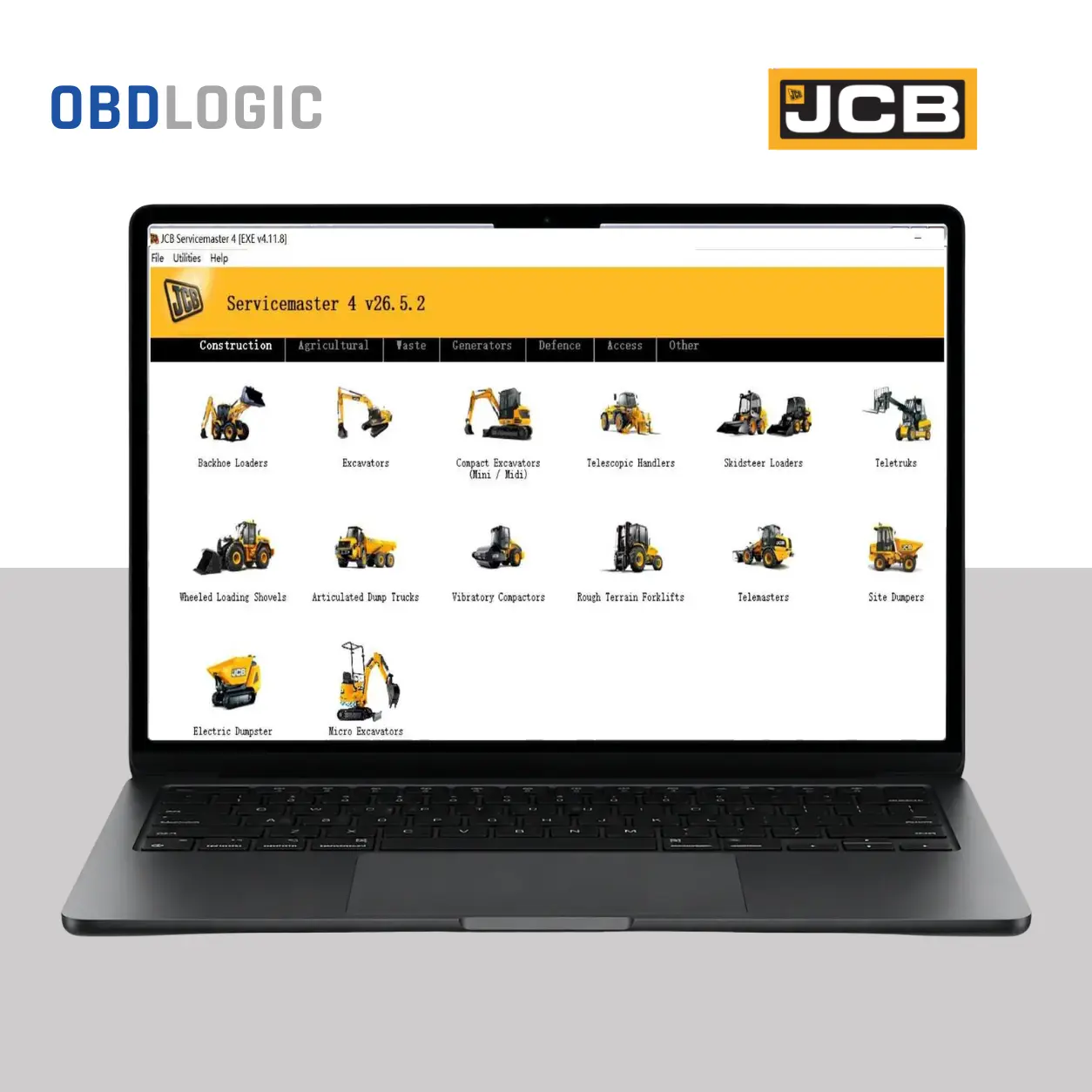
JCB ServiceMaster is professional diagnostic and service software for compatible JCB construction, agricultural and industrial equipment.
It helps technicians diagnose electronic systems, read fault codes, monitor live machine data and perform supported service and calibration functions.
Main Features
- Read and clear supported fault codes (DTCs)
- Live data and machine system monitoring
- ECU diagnostics
- Supported calibration and configuration functions
- Service and maintenance functions
- Service interval reset on supported models
- Selected immobilizer and key-related functions
- JCB-specific diagnostic functions
- Support for compatible RP1210 diagnostic interfaces
Supported JCB Equipment
JCB ServiceMaster is designed for compatible JCB equipment, including:
- Backhoe Loaders
- Excavators
- Mini & Midi Excavators
- Telescopic Handlers
- Skid Steer Loaders
- Wheel Loaders
- Teletruk
- Site Dumpers
- Fastrac Tractors
- Agricultural Equipment
- Industrial Equipment
- Supported JCB Engines & Generators
Compatibility depends on the machine model, production year, ECU and software version.
Choose Your Version at Checkout
Please select the option that matches your requirements:
JCB ServiceMaster 4 v23.2.7 + Keygen
Software package with keygen and installation instructions.
JCB ServiceMaster 4 v25.12.0 – One Laptop Installation
Installation and activation assistance for one Windows laptop.
Both options provide lifetime use.
One-Laptop Installation
The v25.12.0 option includes installation on one dedicated Windows laptop.
OBDLOGIC provides remote installation and activation assistance when required.
System Requirements
- Windows: 7 / 8 / 10 / 11
- Processor: Intel Core i3 or higher
- RAM: 4 GB minimum, 8 GB recommended
- Storage: Approximately 30 GB free
- Display: 1366 × 768 or higher
- Interface: Compatible RP1210 diagnostic adapter
What’s Included
Depending on the option selected at checkout:
- JCB ServiceMaster 4 software
- v23.2.7 + Keygen or v25.12.0 One-Laptop Installation
- Installation instructions
- Remote installation assistance for the installation option
- Email or chat support
Digital Delivery
This is a digital software product. No physical product will be shipped.
After successful payment, OBDLOGIC will provide the relevant download and installation instructions.
FAQ
Which versions are available?
Currently, OBDLOGIC offers:
- v23.2.7 + Keygen
- v25.12.0 One-Laptop Installation
Select your preferred option directly at checkout.
Which option should I choose?
Is lifetime use included?
Yes. Both available options provide lifetime use according to the selected activation method.
How many laptops can I use?
The v25.12.0 installation option is for one laptop. Use a dedicated Windows laptop for the installation.
Do I need a diagnostic adapter?
Yes. A compatible RP1210 diagnostic interface is required to communicate with supported JCB equipment.
Does it support every JCB machine?
Compatibility varies according to the machine model, year, ECU and software version.
Do you provide installation support?
Yes. OBDLOGIC provides remote installation assistance with the v25.12.0 One-Laptop Installation option.
Is this a physical product?
No. This is a digital software product delivered electronically after payment.