Description
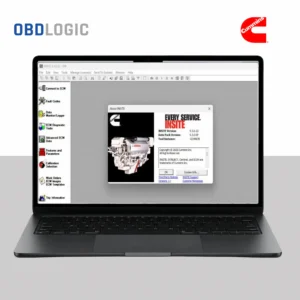
Cummins InPower Diagnostic Software
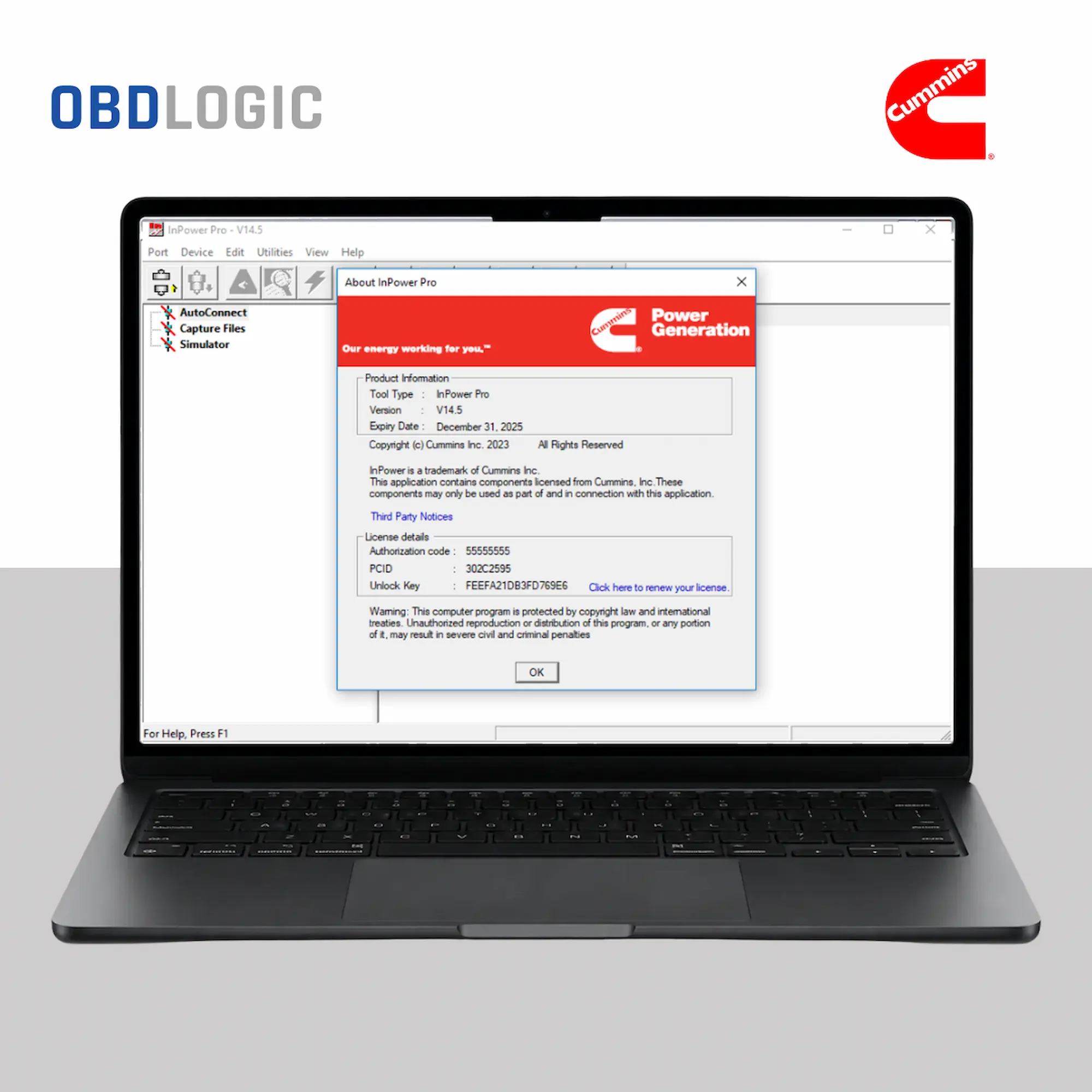
Cummins InPower is professional diagnostic and service software for compatible Cummins engines and electronic systems. It helps technicians monitor engine parameters, diagnose faults and perform supported service and configuration functions.
Main Features
- Read and clear supported fault codes (DTCs)
- View real-time engine parameters
- Monitor engine performance
- Data logging and diagnostics
- ECM configuration and supported service functions
- Injector trim code programming on supported applications
- Aftertreatment and emissions system monitoring
- Supported DPF regeneration and service functions
- Turbocharger, fan and other functional tests
- Troubleshooting and maintenance information
Supported Applications
Cummins-powered equipment can be found across:
- Trucks and commercial vehicles
- Construction and mining equipment
- Industrial machinery
- Generators and power systems
- Marine applications
Compatibility depends on the engine, ECM, application and diagnostic interface.
Diagnostic Interface
Cummins InPower supports compatible RP1210 diagnostic interfaces. Compatible solutions may include Nexiq USB Link, Cummins INLINE interfaces and other supported adapters.
System Requirements
- Windows 10 / Windows 11
- 64-bit recommended
- Intel Core i5 or equivalent
- 4 GB RAM minimum / 8 GB recommended
- 5 GB available storage
- Compatible RP1210 diagnostic interface
What’s Included
- Cummins InPower software
- One-laptop installation
- Remote installation and activation assistance
- Installation guide
- Email or chat support
Digital Delivery
This is a digital product. After successful payment, OBDLOGIC will provide the installation and delivery instructions.
Important: Please provide your Cummins engine or equipment details if you want us to check compatibility before purchase.
Cummins® is a registered trademark of Cummins Inc. OBDLOGIC is an independent seller and is not affiliated with, endorsed by, or sponsored by Cummins Inc.