Description
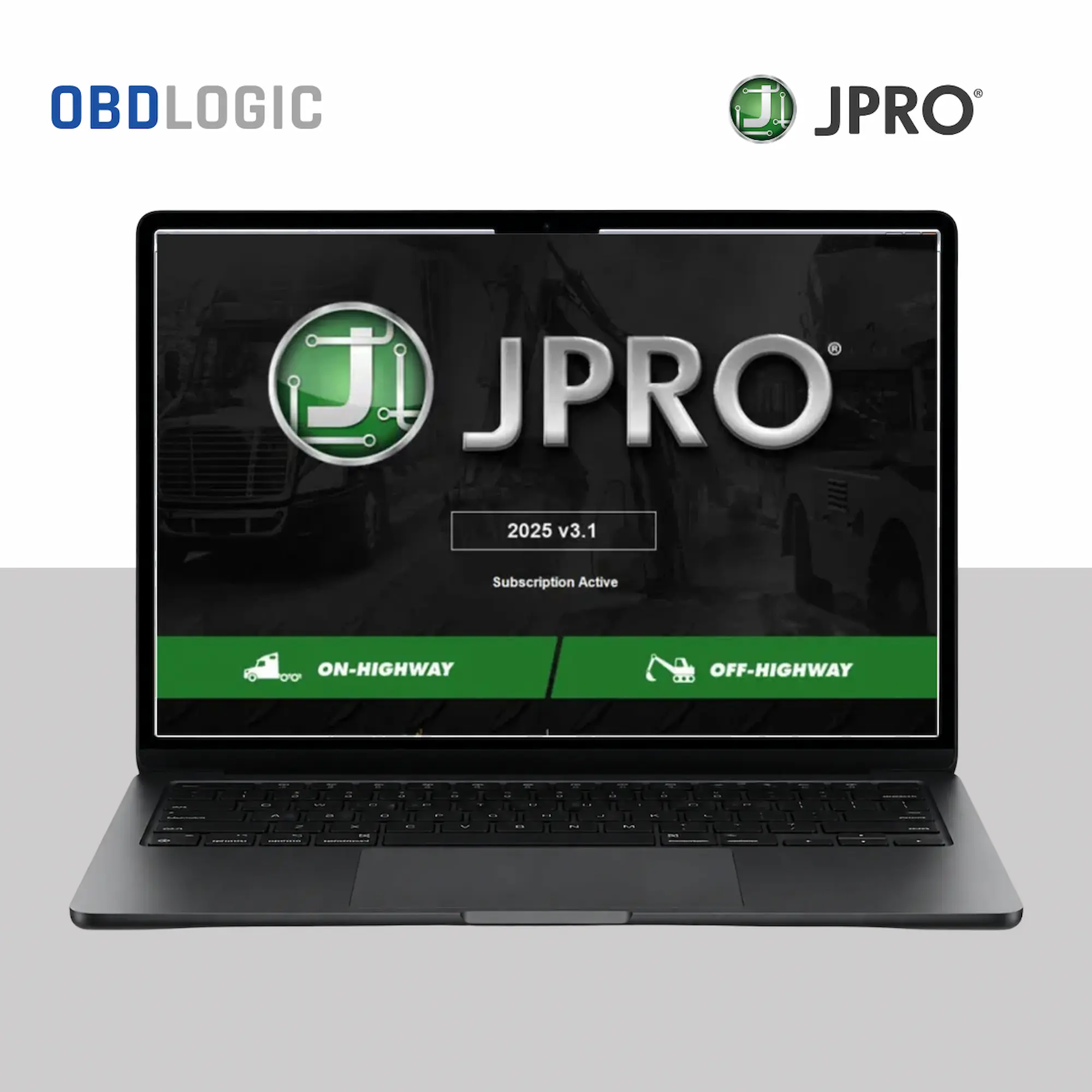
JPRO Truck Diagnostic Software
JPRO 2024 v2 is a professional diagnostic software solution designed for technicians working with heavy-duty and medium-duty trucks, buses, and commercial vehicles. It provides a unified diagnostic environment for reading fault codes, monitoring live data, performing selected bi-directional functions, and troubleshooting vehicle systems.
With broad coverage across major commercial vehicle manufacturers and support for widely used RP1210-compatible diagnostic interfaces, JPRO 2024 v2 can be integrated into professional workshop setups using compatible adapters such as Nexiq USB-Link, DLA interfaces, and other supported communication devices.
Key Features
- Heavy-duty and medium-duty vehicle diagnostics
- Read and clear diagnostic trouble codes (DTCs)
- Real-time data monitoring
- Bi-directional controls and selected calibrations
- DPF regeneration functions where supported
- System and component diagnostics
- Commercial vehicle fault-code troubleshooting
- Support for multiple truck and engine manufacturers
- Compatibility with supported RP1210 interfaces
- Designed for professional workshop environments
Supported Vehicle & System Coverage
JPRO 2024 v2 provides coverage across a wide range of commercial vehicle manufacturers and systems. Depending on the vehicle, ECU, communication interface, and available functions, coverage may include:
- Freightliner
- International
- Kenworth
- Peterbilt
- Volvo Trucks
- Mack Trucks
- Hino
- Isuzu
- Western Star
- Sterling
- Ford Medium-Duty
- GM Medium-Duty
- Blue Bird
- Thomas Built Buses
- IC Bus
- Caterpillar
- Cummins
- Detroit Diesel
- PACCAR
- Navistar
- Meritor
- WABCO
- Bendix
- Allison Transmission
- Eaton Transmission
- Spartan
- Mitsubishi Fuso
- Mercedes-Benz Commercial Vehicles
- Renault Trucks
- Iveco
- Scania
- MAN
Note: Available functions and vehicle coverage can vary depending on the vehicle model, ECU, software version, communication adapter, and system configuration.
Compatible Diagnostic Interfaces
JPRO 2024 v2 can work with supported RP1210A/RP1210B-compatible interfaces, including commonly used devices such as:
- Nexiq USB-Link 2
- DLA+
- DLA+ Wireless
- Noregon DLA+ 2.0
- Vocom
- Other compatible RP1210 interfaces
Always verify interface compatibility before installation.
System Requirements
Operating System: Windows 10 / Windows 11 64-bit
Processor: Intel Core i5 or higher recommended
RAM: 8 GB minimum; 16 GB recommended
Storage: Approximately 20 GB available space recommended
Interface: Compatible RP1210A/RP1210B diagnostic adapter
For the best experience, use a dedicated Windows laptop with sufficient storage, RAM, and a stable connection to the diagnostic interface.
Who Is JPRO Software For?
JPRO 2024 v2 is suitable for:
- Heavy-duty truck technicians
- Diesel mechanics
- Fleet maintenance teams
- Truck repair workshops
- Mobile diagnostic technicians
- Commercial vehicle service specialists
- Medium-duty vehicle repair professionals
Its multi-system diagnostic approach can help technicians reduce the need to switch between different diagnostic applications when working across supported commercial vehicle platforms.
Important Compatibility Information
Before purchasing or installing JPRO 2024 v2, confirm that your truck model, ECU/system, Windows version, and diagnostic interface are compatible with the functions you need.
Some functions may only be available on specific vehicle manufacturers, models, ECUs, or configurations.
JPRO for Truck Diagnostics
If you work with commercial vehicles and need a Windows-based diagnostic solution covering multiple heavy-duty and medium-duty platforms, JPRO 2024 v2 provides a practical environment for fault-code diagnosis, live-data monitoring, system testing, and supported bi-directional functions.
Contact OBDLOGIC if you need help checking compatibility with your truck, diagnostic interface, or workshop setup.
Delivery & Installation Support
After payment is confirmed, the required JPRO software access/files will be sent to you according to your order.
Our team can also assist you with the software installation and setup process on your Windows laptop. Remote installation assistance may be provided when required.